To record a custom area of your screen, launch the app, and click on the screen icon.

The new window will be opened.
From here you have a few options to select, including 'Custom'.
Click on it and select the area of the screen you want to capture.
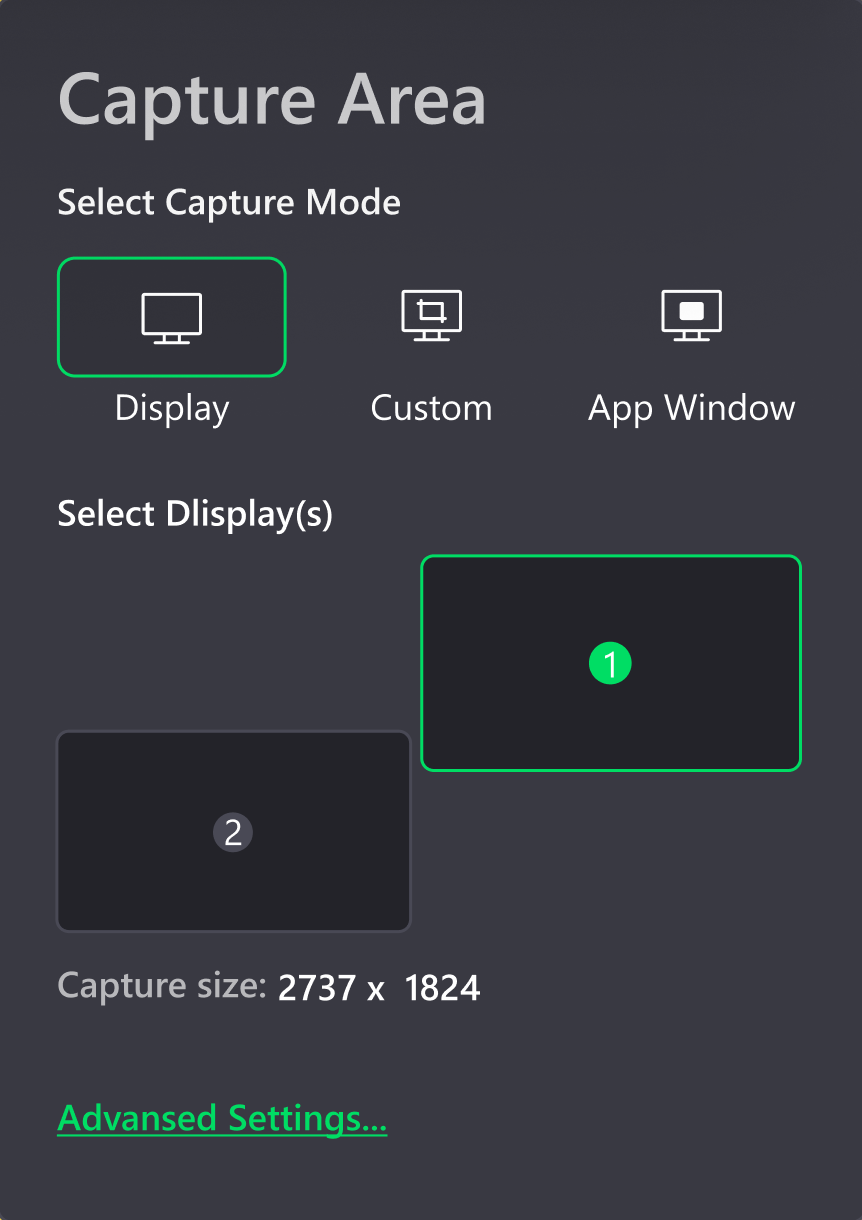

To record a custom area of your screen, launch the app, and click on the screen icon.
The new window will be opened.
From here you have a few options to select, including 'Custom'.
Click on it and select the area of the screen you want to capture.
Comments
0 comments
Please sign in to leave a comment.